 Avo
AvoInvoice Design Ideas: 12 Free Templates
Every invoice design below is a real fillable PDF, one US Letter page, free to download. Pick the look that matches your business, type over the placeholders and send. The fields are the same on all twelve: your details, the client, invoice number and dates, a line table, totals, payment notes.
All twelve are US Letter, fillable in any PDF reader, free, no email required. Each page shows a filled sample and gives you the blank file.
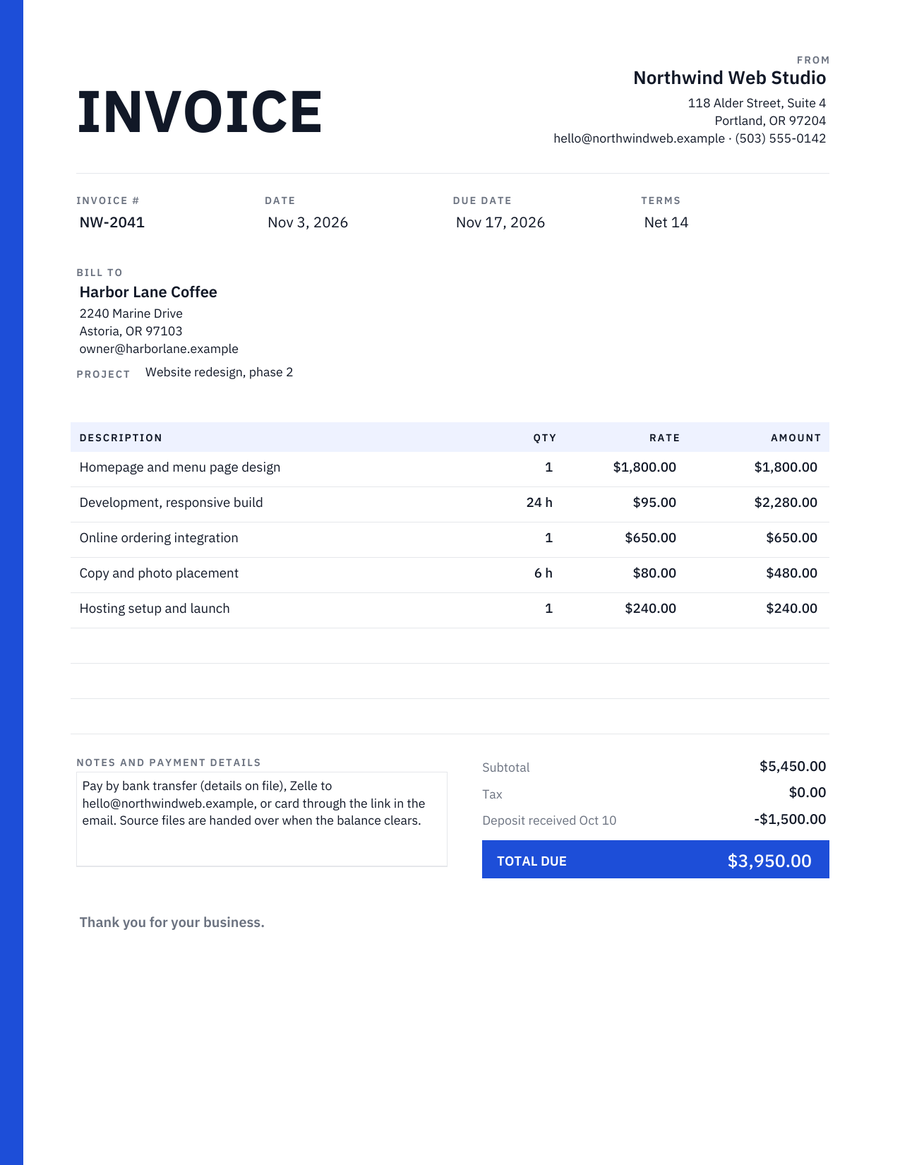 ModernCharcoal type, one blue stripe, the total in a blue block
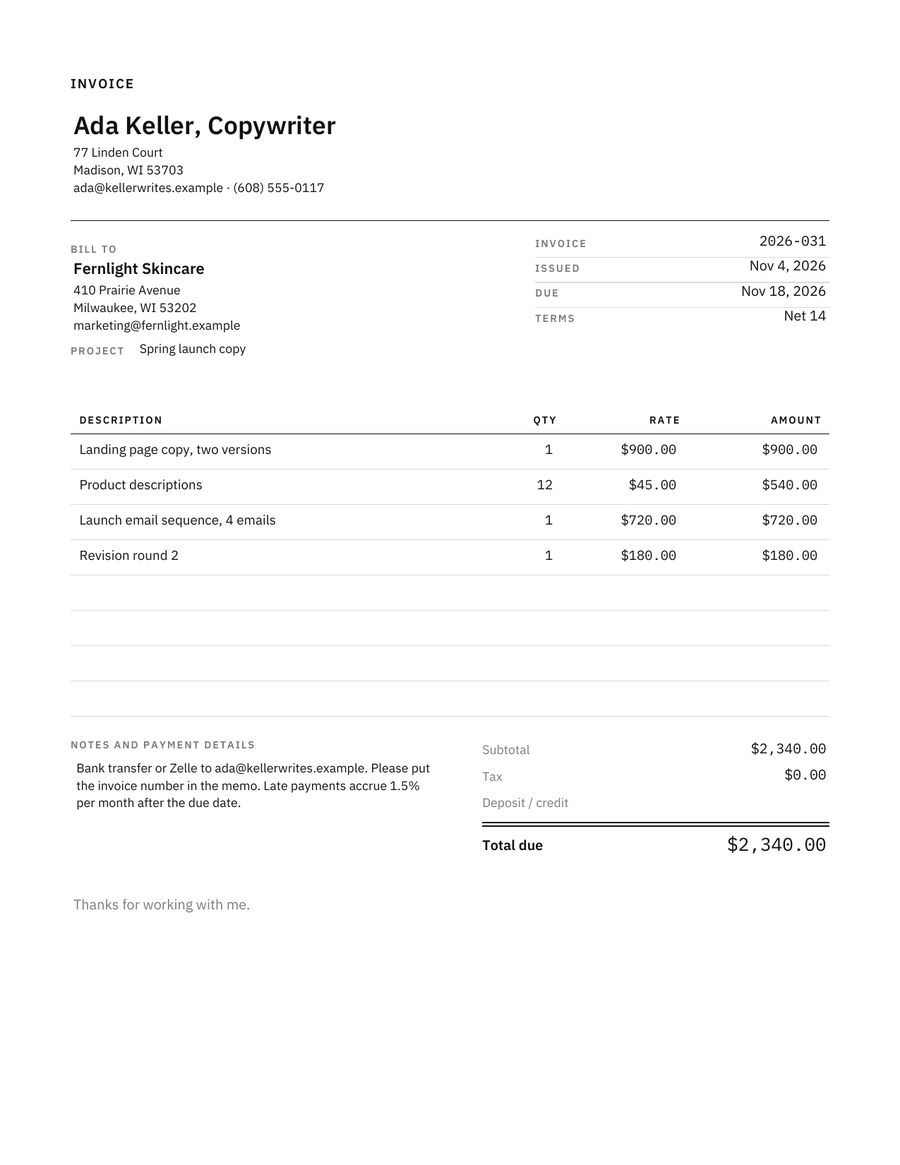 MinimalistHairline rules, small caps, monospaced numbers
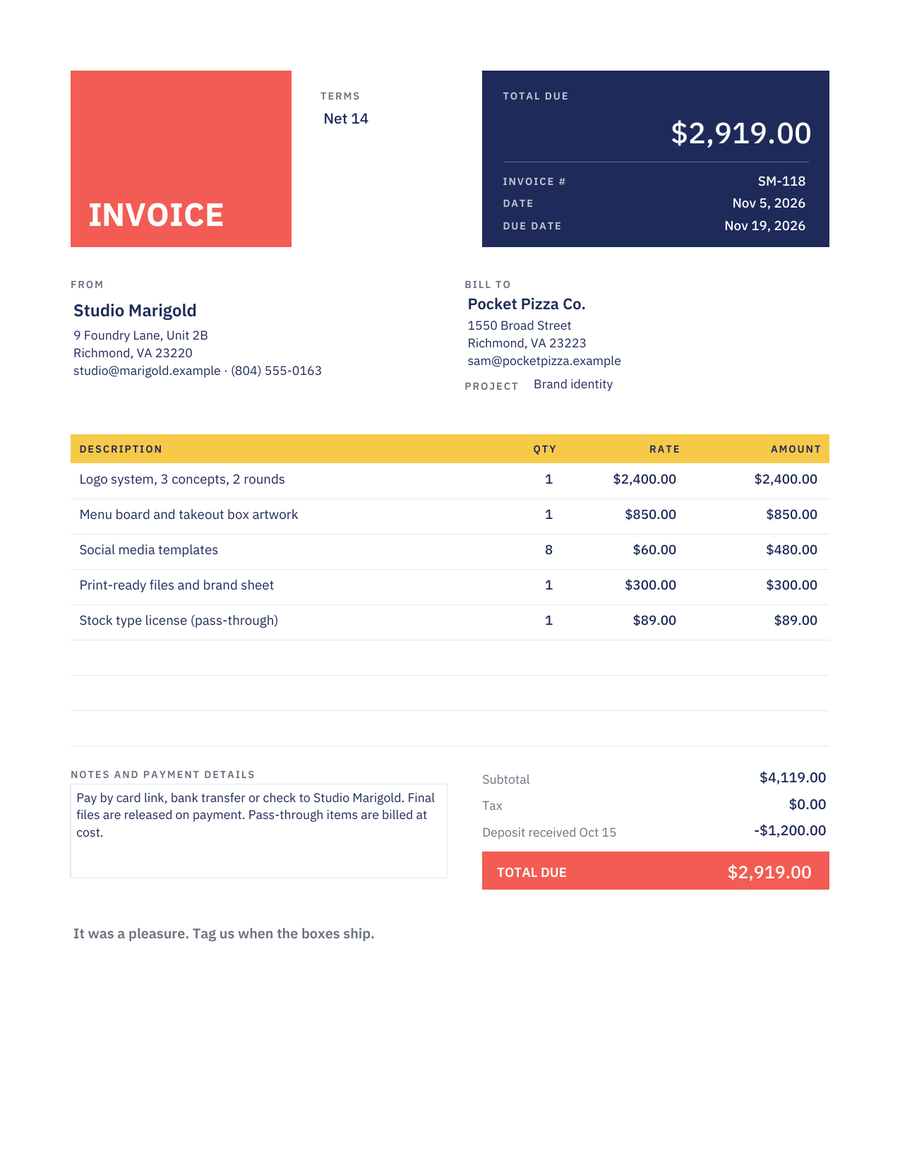 CreativeCoral, navy and yellow colour blocks
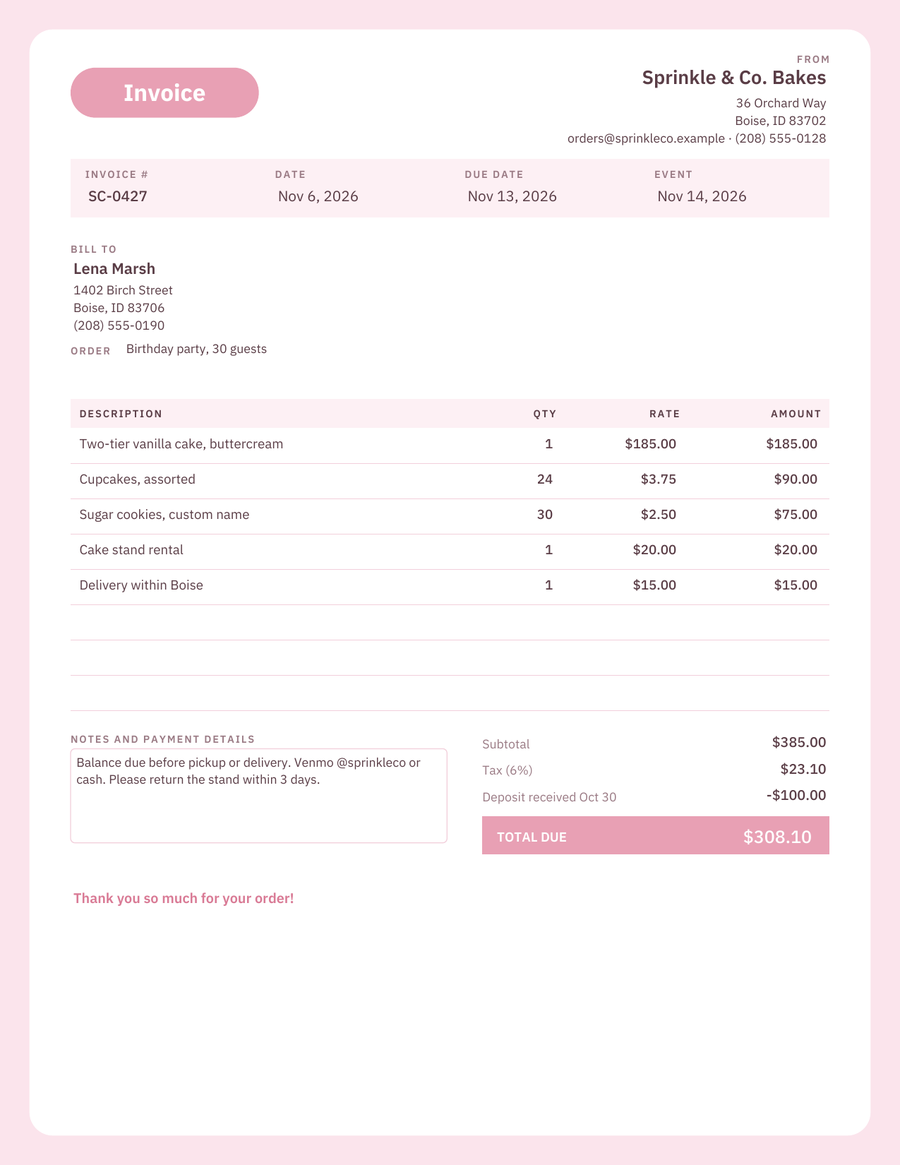 CutePastel pink page, white rounded card
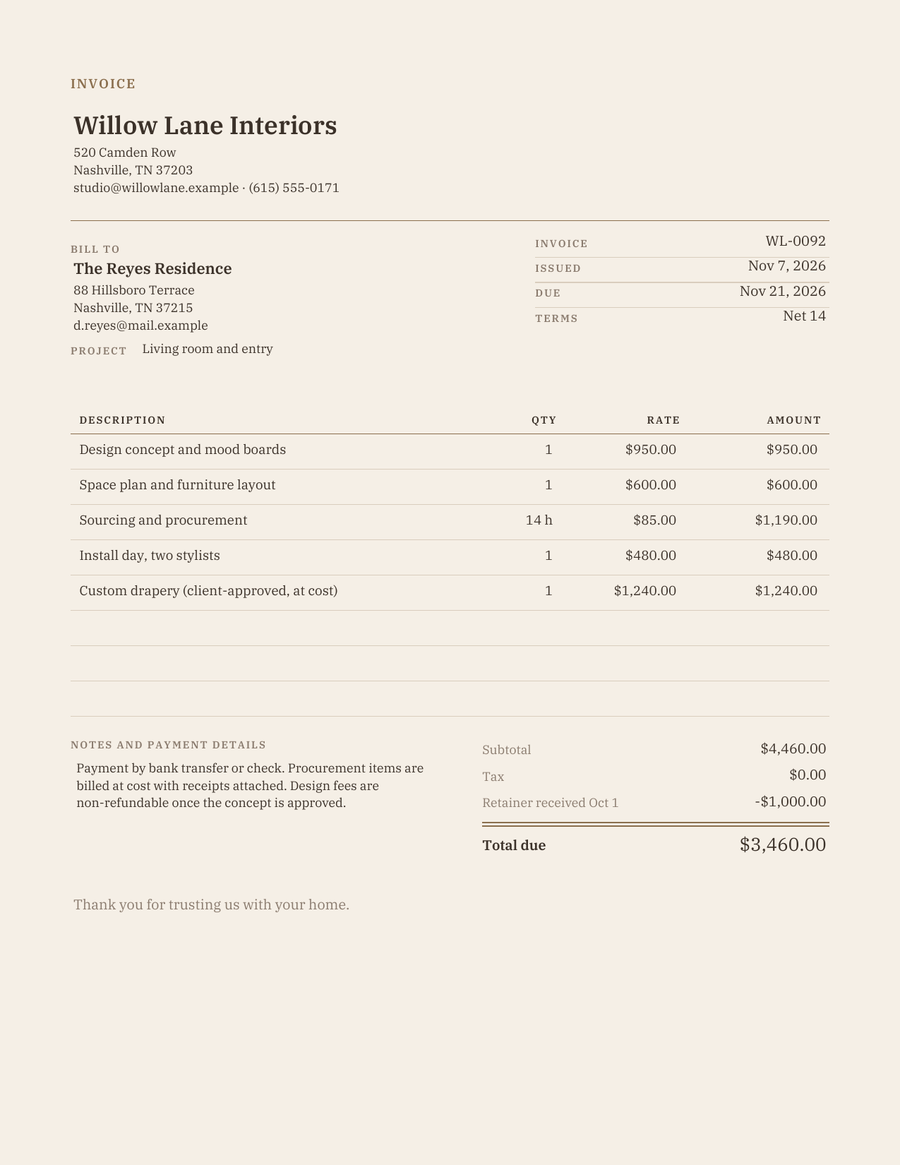 AestheticBeige page, serif, brown hairlines
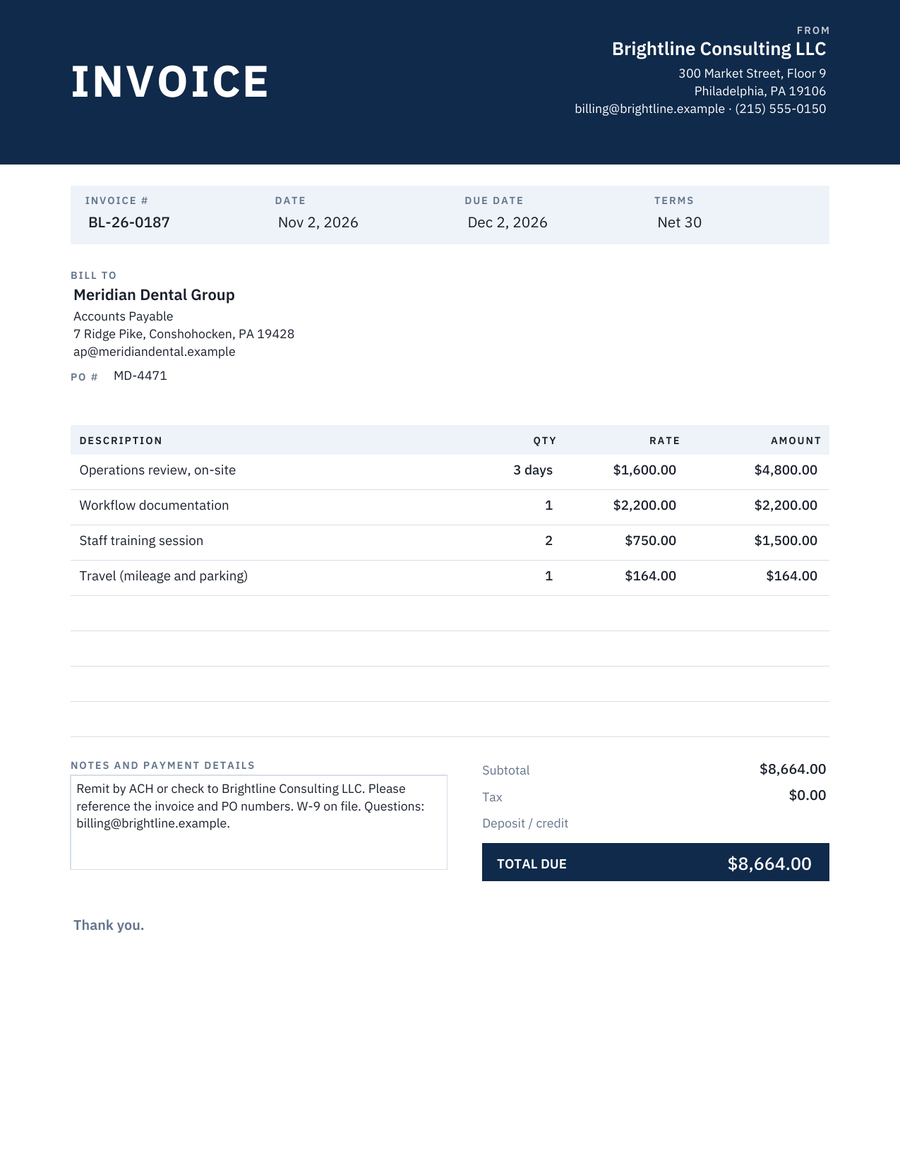 ProfessionalNavy header band, grey table, PO number
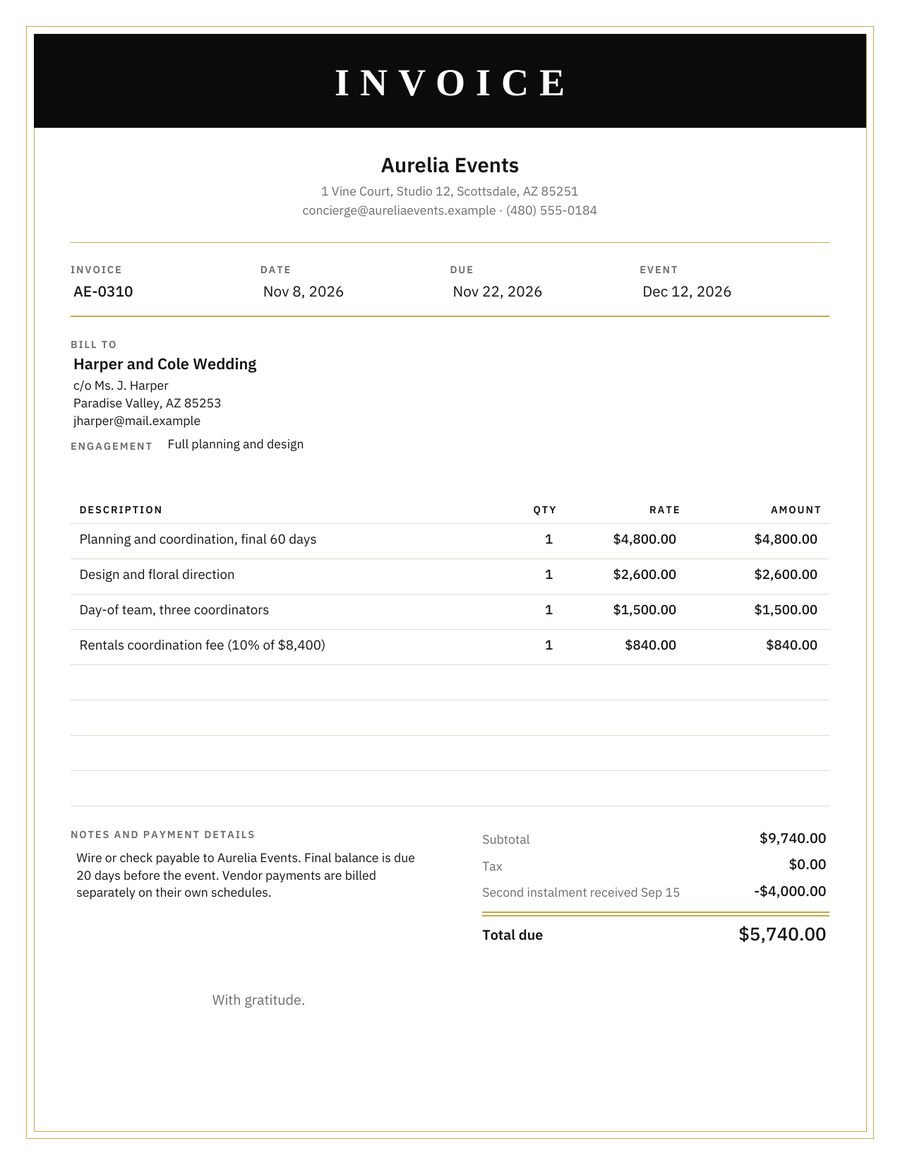 LuxuryBlack band, gold frame, serif title
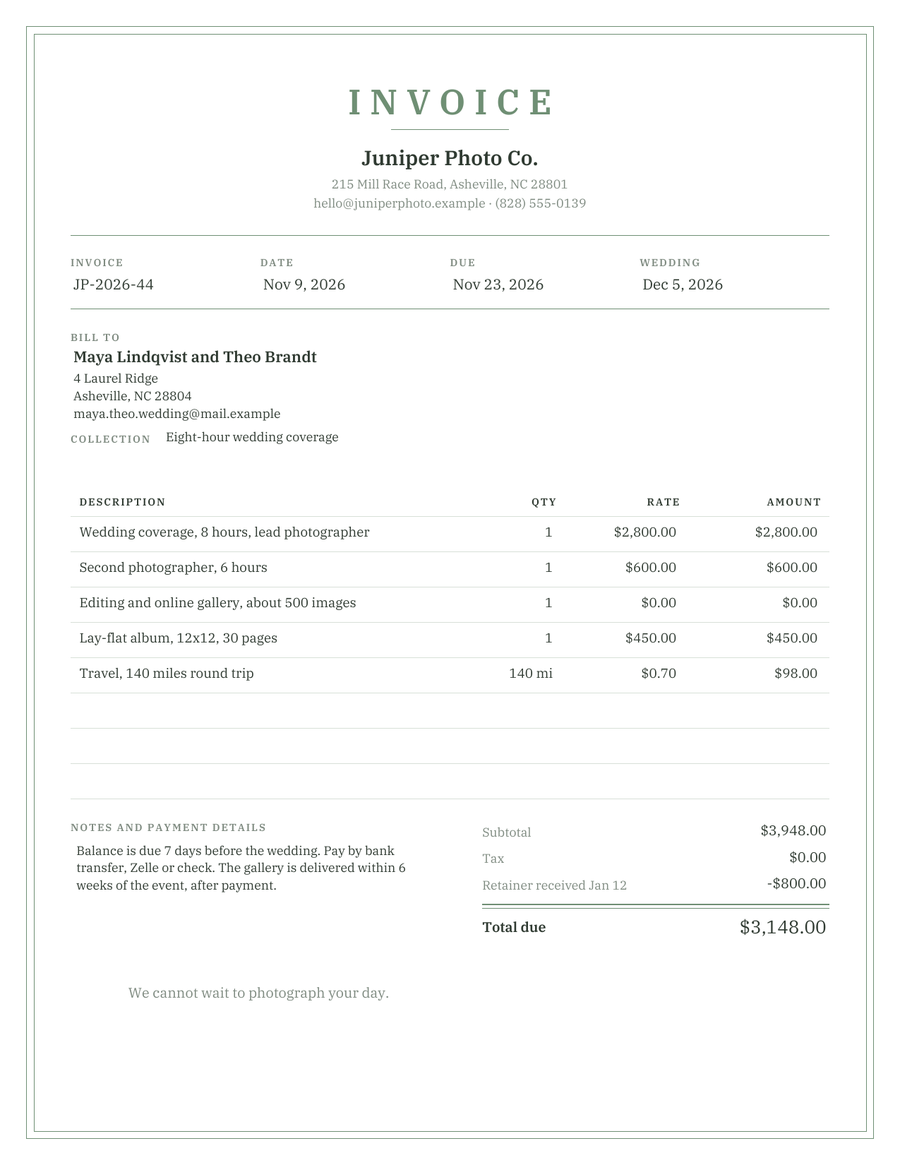 ElegantSage green double rules, serif, event date line
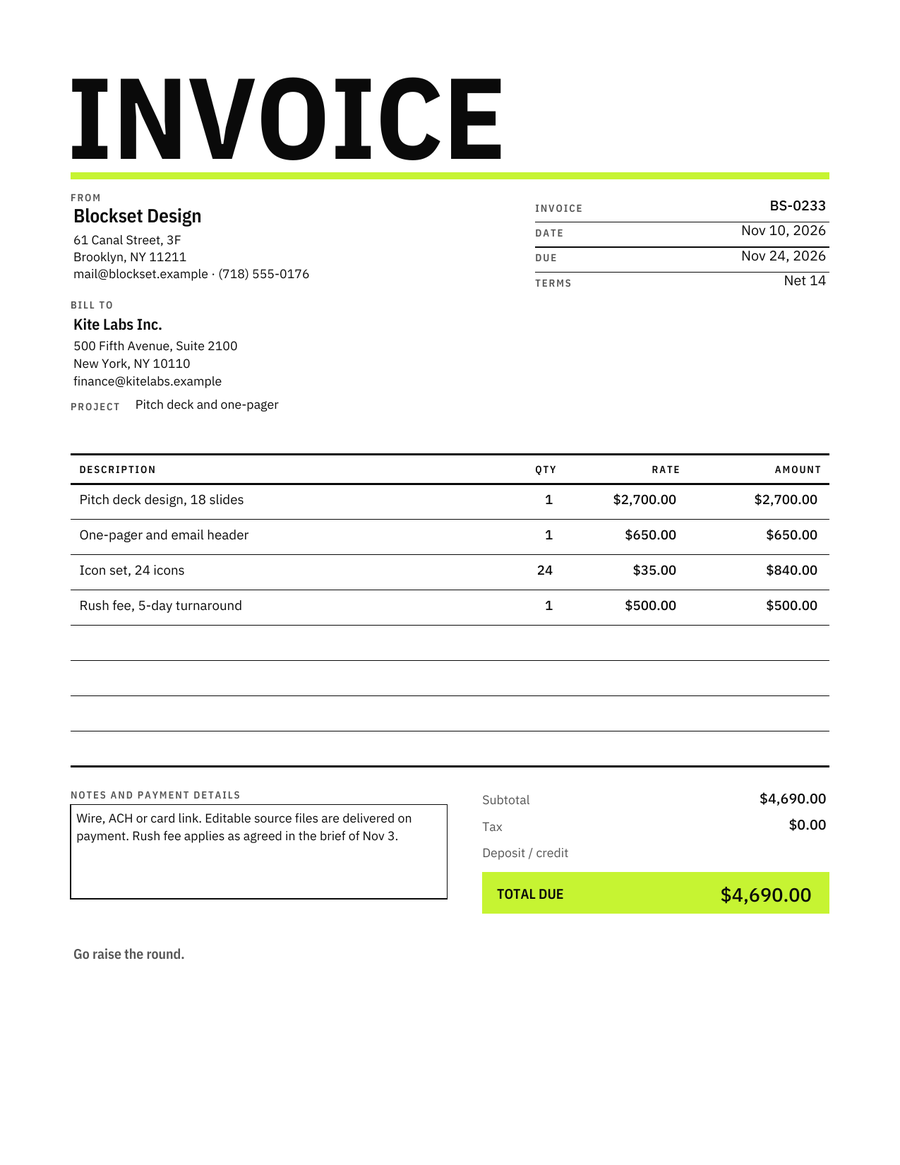 BoldOversized condensed title, lime total block
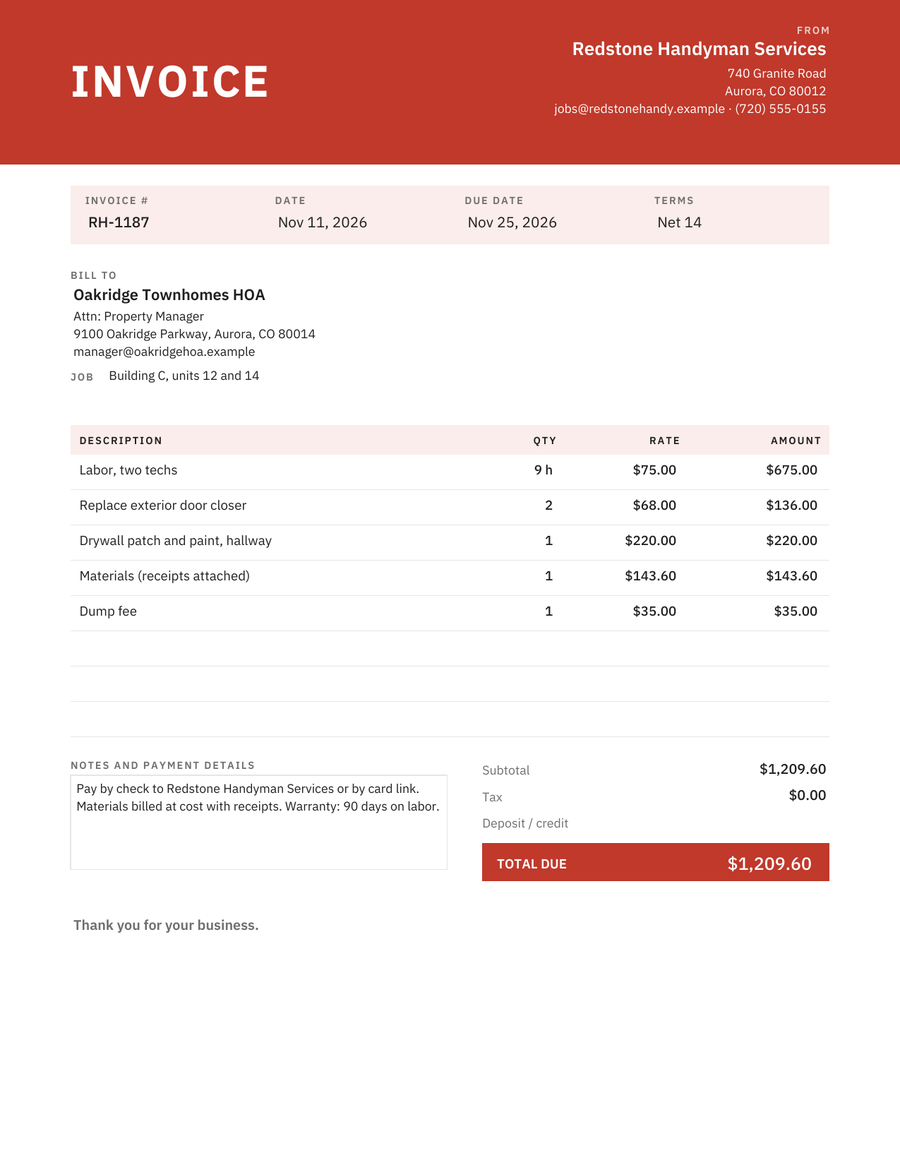 RedBrick-red band, classic trade grid
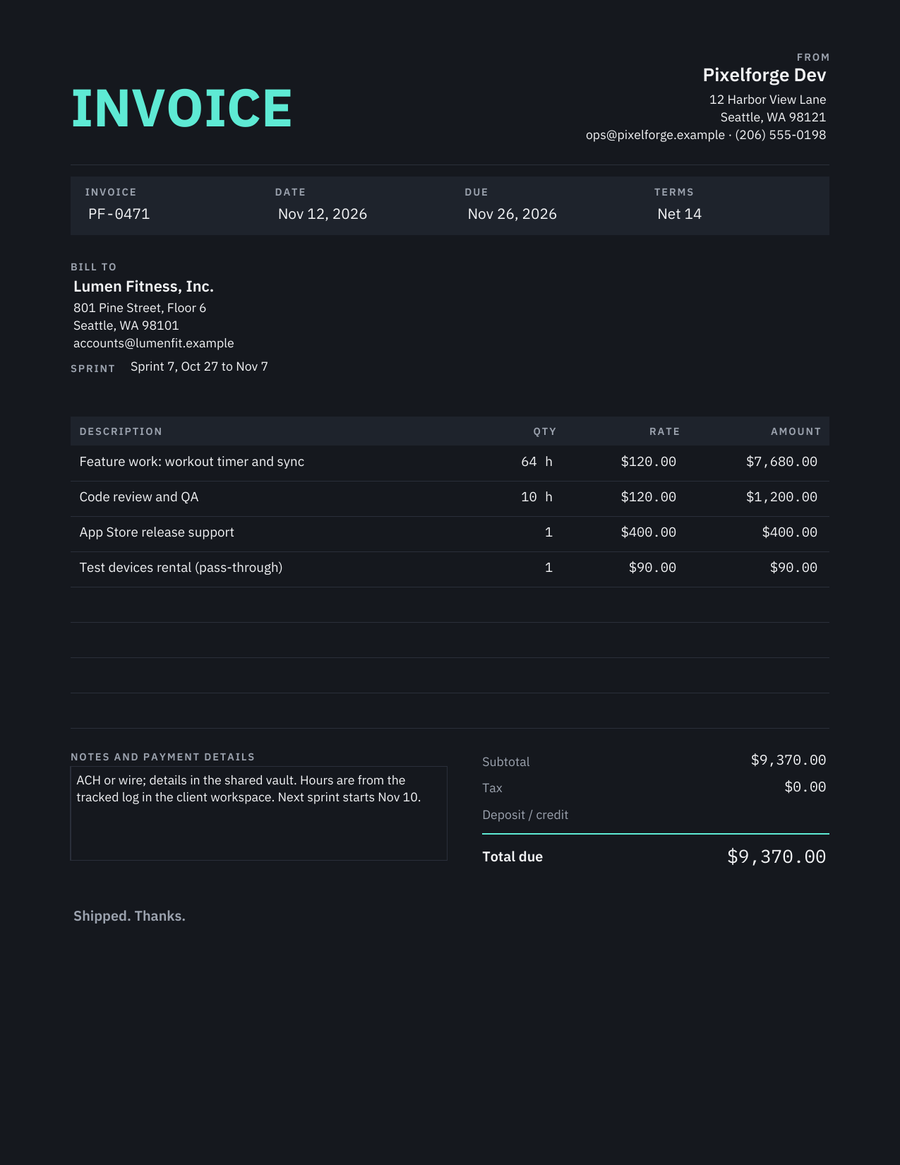 DarkCharcoal page, teal accent, mono numbers
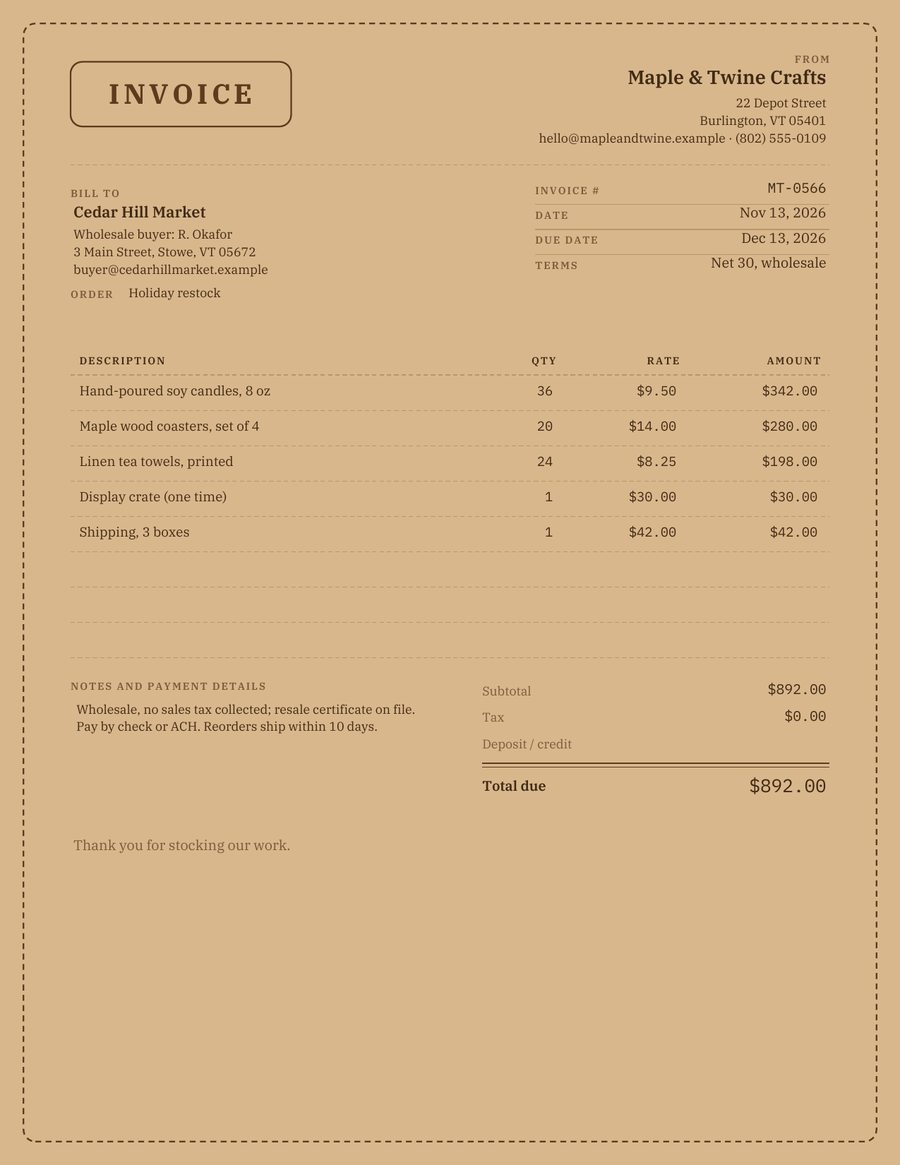 Kraft PaperTan page, brown ink, stitched border
Which design to pick
Printing in black and white?
Modern, minimalist, professional, bold and elegant keep their layout in grey. Dark and kraft are for PDFs sent by email.
Billing a company with an AP department?
Professional has the PO number, attention line and remit-to notes a clerk looks for. Modern and minimalist work too.
Selling something you made or styled?
Cute, kraft, aesthetic, elegant and luxury match a product or a wedding folder. Creative and bold match a studio brand.
What stays the same
The fields. Every design has your business block, the client block with a project or order line, invoice number, date, due date and terms, a line table with quantity, rate and amount, subtotal, tax, a deposit or credit line, the total due, and a notes box for payment details. If you fill in one, you know how to fill in all of them.
What changes is the typography, the colour, the header and how the total is marked. None of the PDFs run scripts, so the totals are typed; the Excel version of the standard template and the Avo app add them up for you.
Fill it on your iPhone in a minute instead
Avo keeps your clients and your usual line items, so the next invoice is three taps. Your first three documents are free, full-quality PDF, no watermark. Premium from $59.99/year if you invoice often.


Scan the code with your iPhone camera to open Avo in the App Store, or email yourself the link.