 Avo
AvoDark Invoice Template (Free Fillable PDF)
A dark invoice for a brand that lives in dark mode: developers, game studios, audio engineers, streamers. Charcoal page, light type, one teal accent and monospaced numbers that look like the terminal they came from.
Free, fillable, US Letter, no email, no sign-up. The Avo app for iPhone makes invoices in its own layout and adds up the totals; this PDF is for the dark look.
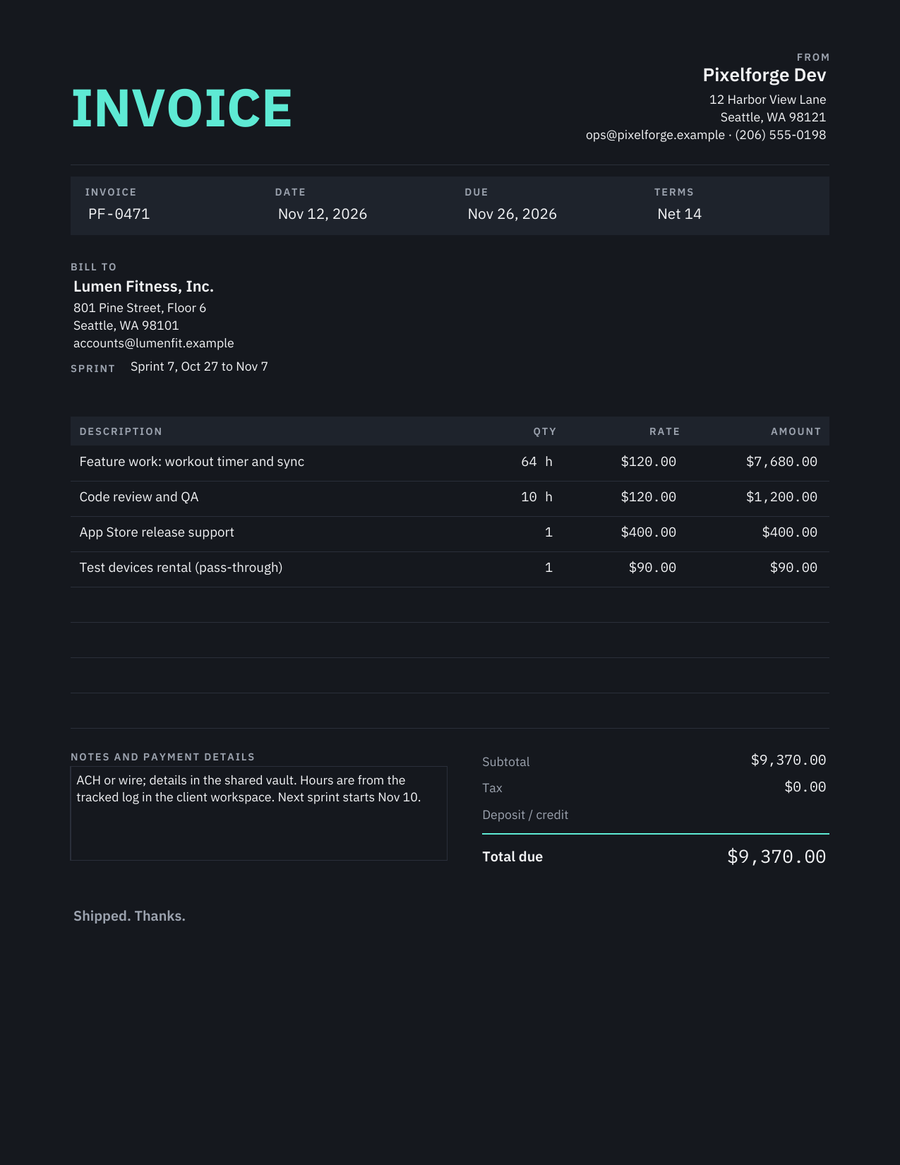
The filled sample. Names, addresses and amounts are made up; the blank PDF you download has the same fields empty.
The design
The whole page is dark, so the design is about contrast: off-white body text, grey labels, teal for the title and the total rule. Numbers are set in a monospaced font so hours and amounts align. The fillable fields are set to type in white, which most PDF readers honour.
Who it fits
Developers and dev shops
A sprint billed by hours from a tracked log, review time separate, release support as a flat fee, devices passed through.
Game, audio and video studios
Milestones as lines, a licence or stems line, and a note about delivery.
Streamers and creators billing sponsors
Deliverables per line, usage term in the description, Net 14.
What is on the page
Your name and contact, the client block, a sprint or project line. Invoice number, date, due date, terms. Four item lines with hours or quantity, rate and amount. Subtotal, tax, total due under a teal rule. Notes for payment and the next sprint.
The sample, line by line
The sample is a Seattle dev shop invoicing a fitness app for one sprint: 64 hours of feature work, 10 hours of review and QA, release support as a flat fee and test devices at cost. Hours reference a shared log, which is what makes an hourly invoice easy to approve.
| Description | Qty × rate | Amount |
|---|---|---|
| Feature work: workout timer and sync | 64 h × $120.00 | $7,680.00 |
| Code review and QA | 10 h × $120.00 | $1,200.00 |
| App Store release support | 1 × $400.00 | $400.00 |
| Test devices rental (pass-through) | 1 × $90.00 | $90.00 |
| Subtotal | $9,370.00 | |
| Total due | $9,370.00 | |
How to use it
- Download the PDFOne page, US Letter, fillable in Preview, Acrobat Reader, Chrome or the Files app on an iPhone.
- Fill in your details onceBusiness name, address, contact and your usual terms. Save that copy as your master.
- Add the job and sendChange the client, the lines, the invoice number and the dates for each job. Save a copy and send it by email or text.
Fill it on your iPhone in a minute instead
Avo keeps your clients and your usual line items, so the next invoice is three taps. Your first three documents are free, full-quality PDF, no watermark. Premium from $59.99/year if you invoice often.


Scan the code with your iPhone camera to open Avo in the App Store, or email yourself the link.
Questions
Will a dark invoice print?
It prints the dark background with a lot of toner. For paper, use the modern or bold design instead and keep this one for PDFs sent by email, which is how most dev invoices travel.
Do the white form fields work everywhere?
Preview, Acrobat Reader and Chrome show typed text in white as set. A few readers ignore field text colour and show black on dark; if your client reports that, send the filled PDF flattened or use a light design.
How do I bill hours credibly?
Reference the log (Harvest, Toggl, Jira worklog) in the notes and round to the quarter hour. Review and QA on a separate line stops the question of why features took so long.
Can the Avo app make a dark invoice?
No. Avo produces its own clean light layout and calculates totals as you add items. This PDF is for the dark look specifically.
More invoice designs
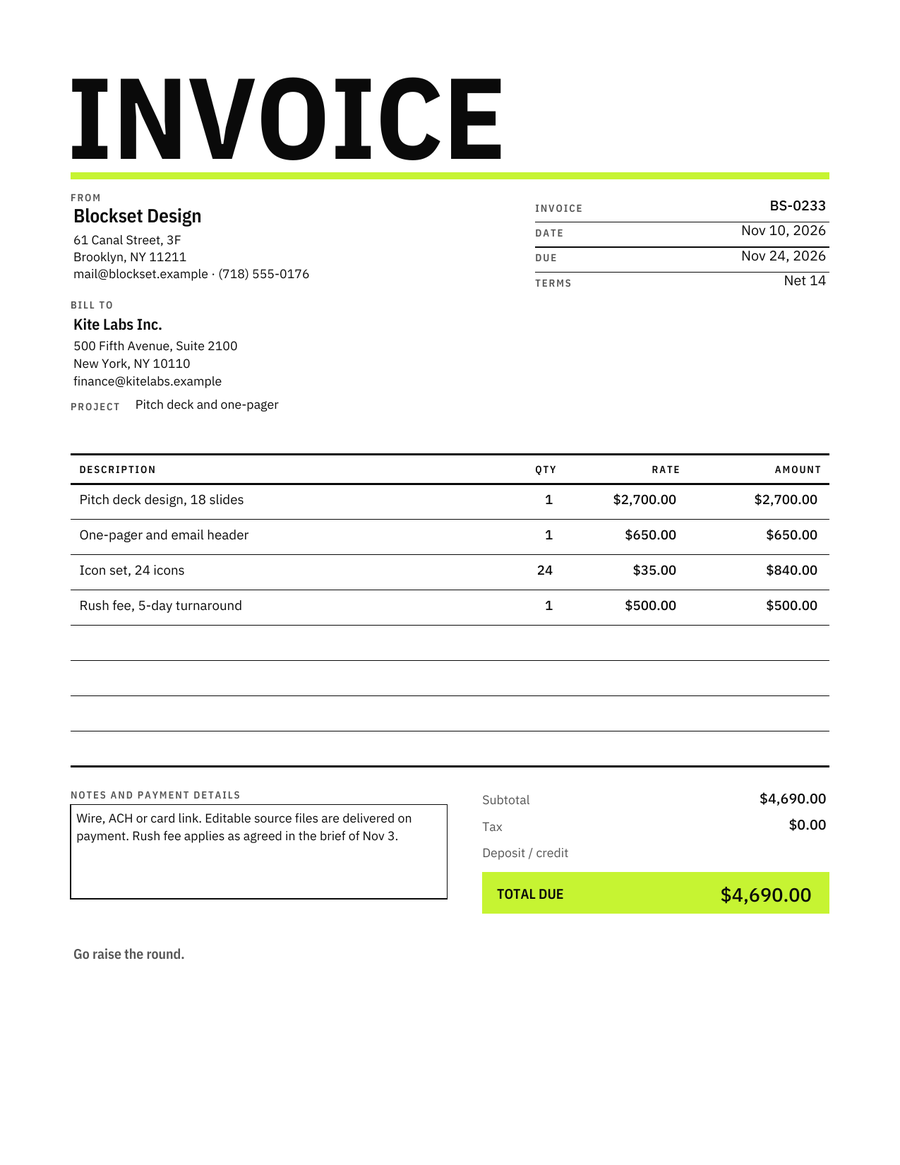 BoldOversized condensed title, lime total block
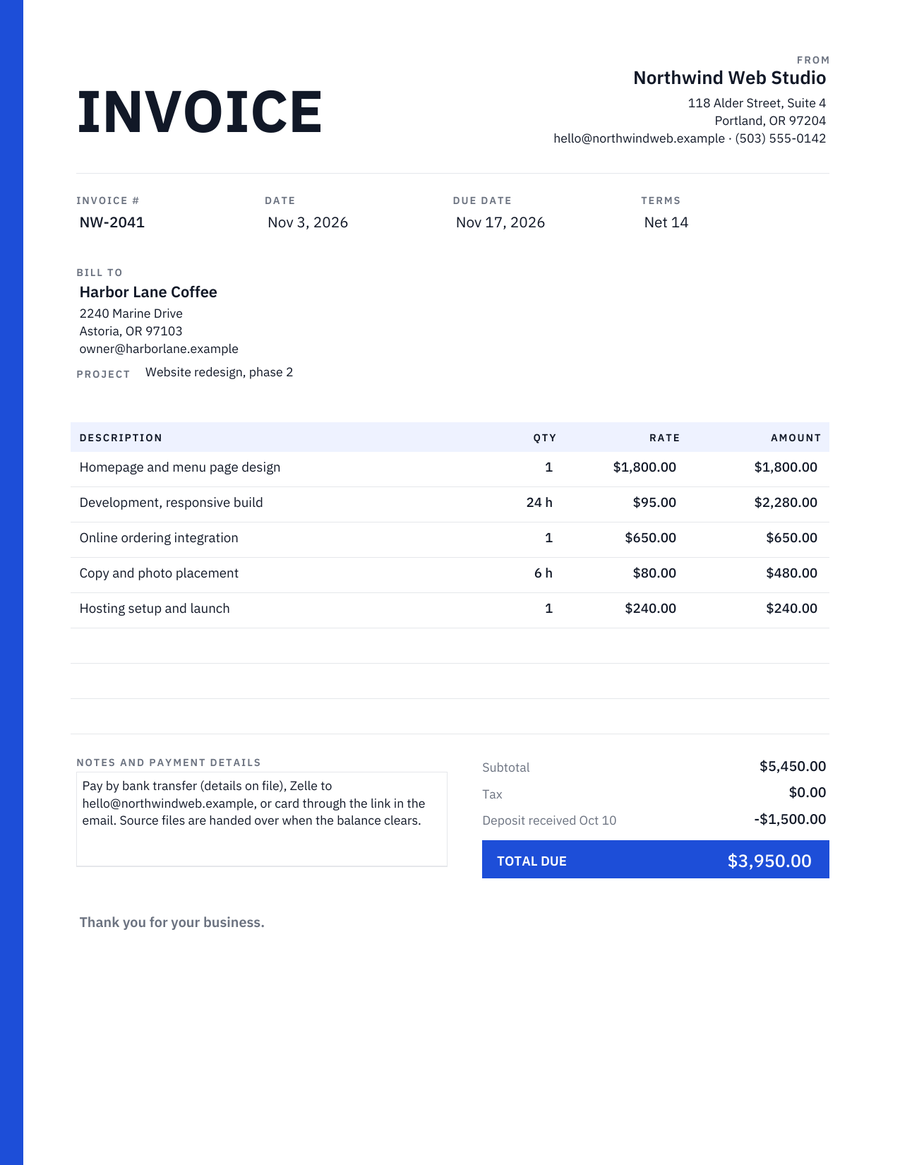 ModernCharcoal type, one blue stripe, the total in a blue block
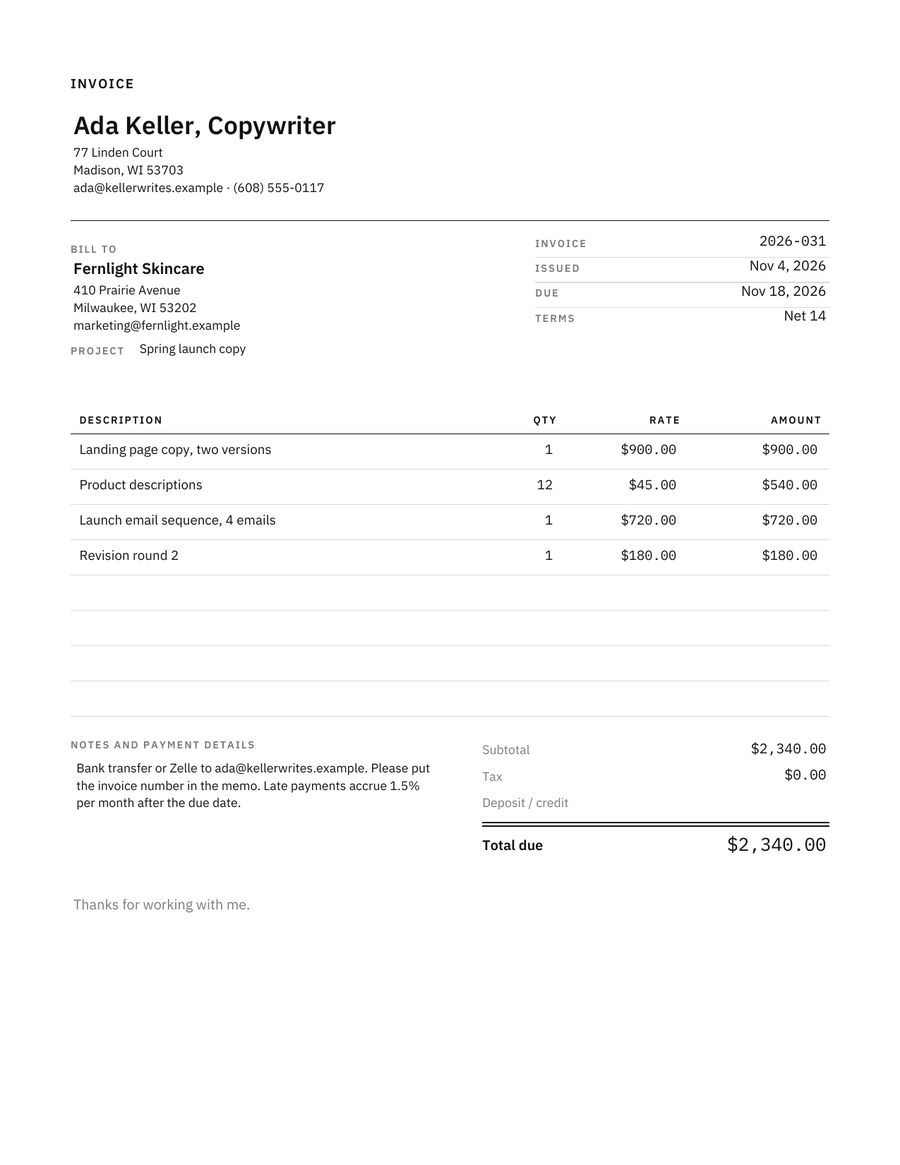 MinimalistHairline rules, small caps, monospaced numbers
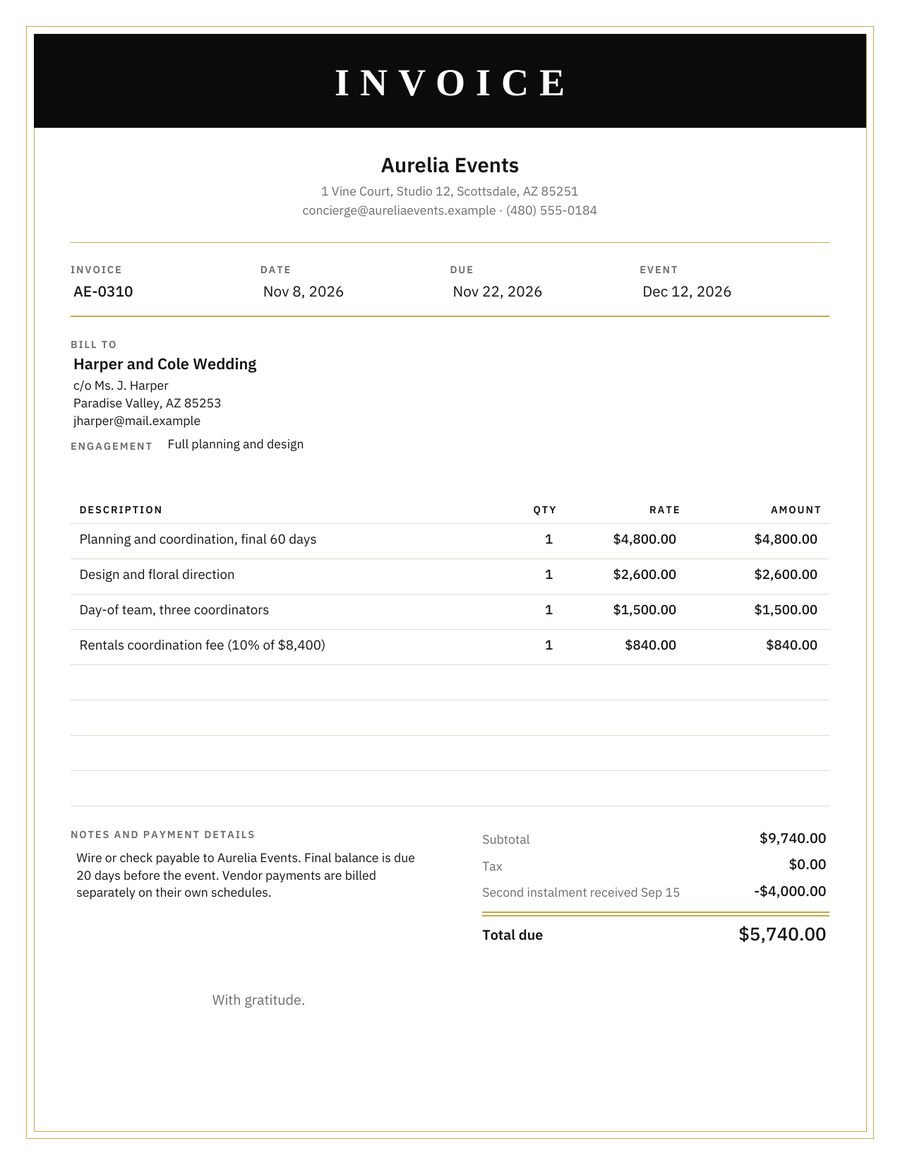 LuxuryBlack band, gold frame, serif title